
I, like many of you, have gone into a somewhat involuntary social distancing and isolation (mostly) due to my school and health club closures and recommendation to stay away from crowds. It’s just my cats and I (gives new meaning to home alone). Having a plan to engage my mind and body is of utmost importance. I am sharing my plan of activities, which are almost all free, as it may give other educators some ideas. If you have additional ideas, please share them in the comments.
Working Remotely with My Gifted Elementary Students

I work with gifted students one day a week. Our state and thus my district made an extremely quick decision to close the schools – heard last Thursday night and was told to send home with students Chromebooks along with lessons on Friday, a half day. Obviously most of the teachers didn’t have time to develop lesson plans and learning activities. I met with my learners quickly on Friday, as so much was going on, and asked them to check in with a shared Google doc and our Google Classroom. What follows are the general tasks they are being asked to do during our regularly scheduled gifted day.
- Writing Children’s Book Narrative – Prior to the school closing, my learners spent quite a bit of time learning how to write a children’s book using a Dr. Seuss type of writing style (yes, I know he is controversial but I like his writing style). The goal is to have them write their stories, illustrate them with cut out shapes made with a Cricut or a laser cutter, and then create Makey Makey Talking Books out of them. They just reached the point of writing their own narratives when the school closed. I asked each of them to share their stories with me via a Google doc. They were instructed to add to their stories during our hiatus, that I would provide feedback and suggestions directly on their shared Google docs. Then when we return, we can jump into creating the illustrations.
- Newsela – For those who don’t know, Newsela is best-in-class library of high-interest, cross-curricular current news and nonfiction texts.. They have offered all teachers access to Newsela ELA, Newsela Social Studies, Newsela Science and the SEL Collection for FREE for the rest of the school year. At home, my learners are being asked to do the same thing they do in class – pick an article of personal interest, read it, and take the quiz where they need to get at least 3 out of 4 correct. If they don’t, they need to choose another article to read and follow the same procedure.
- Prodigy Math Game – For those who don’t know, Prodigy is no-cost math game where kids can earn prizes, go on quests and play with friends — all while learning math. With Prodigy math homework is disguised as a video-game. My learners love it. I typically don’t give them class time to play it as I prefer hands-on, learner-to-learner interactive math activities. Since they will be at home, I asked them to play it for an hour during our typical gifted days to keep up with and improve their math skills.
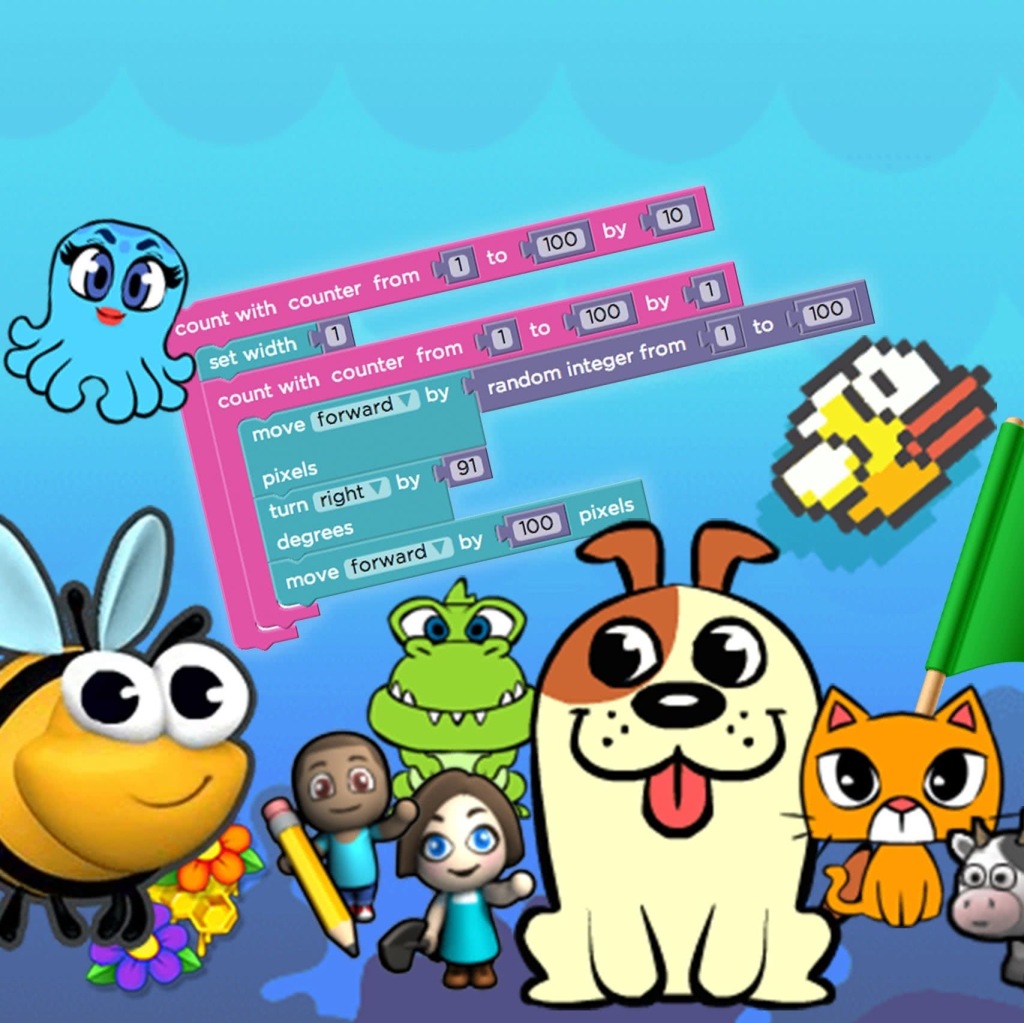
- Code.org – My 4th graders have working through the Code.org Course F . They were asked to continue working on this through our hiatus while my 5th and 6th graders were asked to join and work on the Code.org CS in Algebra.
- Maker Camp – https://makercamp.com/project-paths/ and the Maker Stations Home Pack (see download below) : Since we do a lot of making in my gifted classes, I am requesting that my learners pick a project or two to try at home. It has been posted as an assignment via Google Classroom and they have been asked to post pictures of it. I will later (at school or at home depending how long the school closing lasts) ask them to blog about their processes.
Here is their schedule that I posted in Google Classroom for them.

The online applications – Newsela, Prodigy, and Code.org – have teacher dashboards so I can track progress and give them feedback. For their writing, I can give feedback directly on their Google docs, and for their maker projects, they are to post pictures to Google classroom.
Professional Development – Virtual Style
I plan on doing some PD in my pajamas – in other words, virtual style.
Attending Some Virtual Conferences
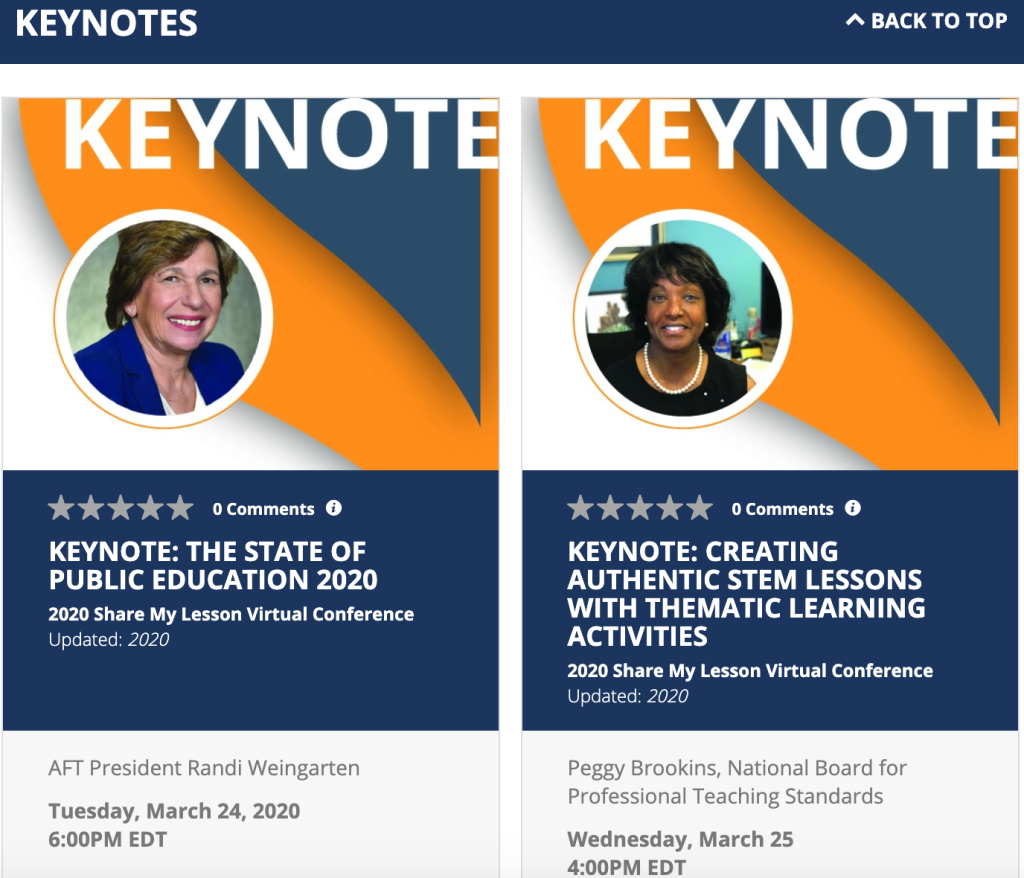
- 2020 Share My Lesson Virtual Conference – is a free virtual conference from March 24-26, with over over 30 webinars focusing on instructional strategies across the curriculum, social-emotional learning, activism, STEM, and trauma-informed practices. This is a fantastic conference. I attend every year. The sessions and presenters from professional organizations are top notch!
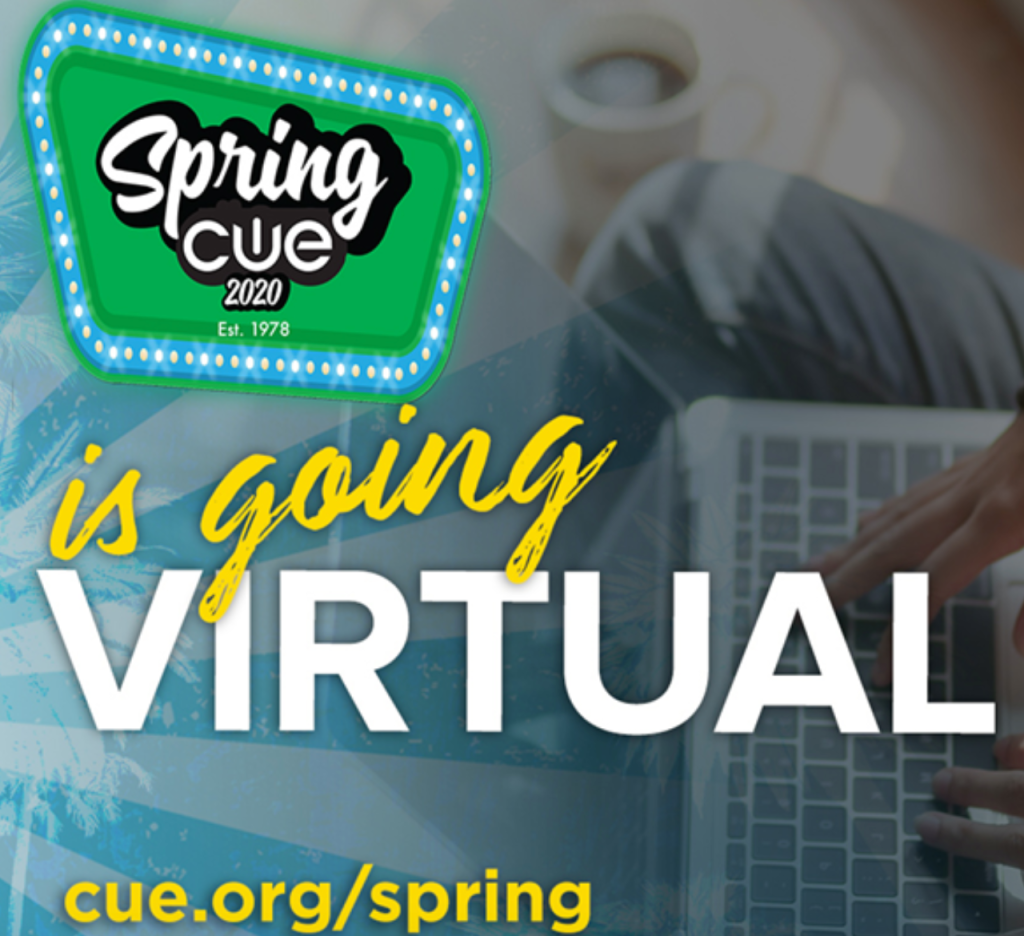
- CUE Spring Conference – Computer-Using Educators (CUE) is a California-based non-profit that offers a premiere educational technology conference each spring. This year, because of coronavirus, they are going virtual offering sessions from March 19 through April 5. There is a $75 fee for the virtual conference.
Taking Some Online Classes
- The Power of Mathematics Visualization – There is a nominal fee for this course but it looks good and might help me develop some interesting strategies for teaching mathematics to my gifted students.
- Code Academy Pro – They are offering Pro free to students and teachers. It’ll give me an opportunity to learn some advanced code.
Doing Some Maker Projects
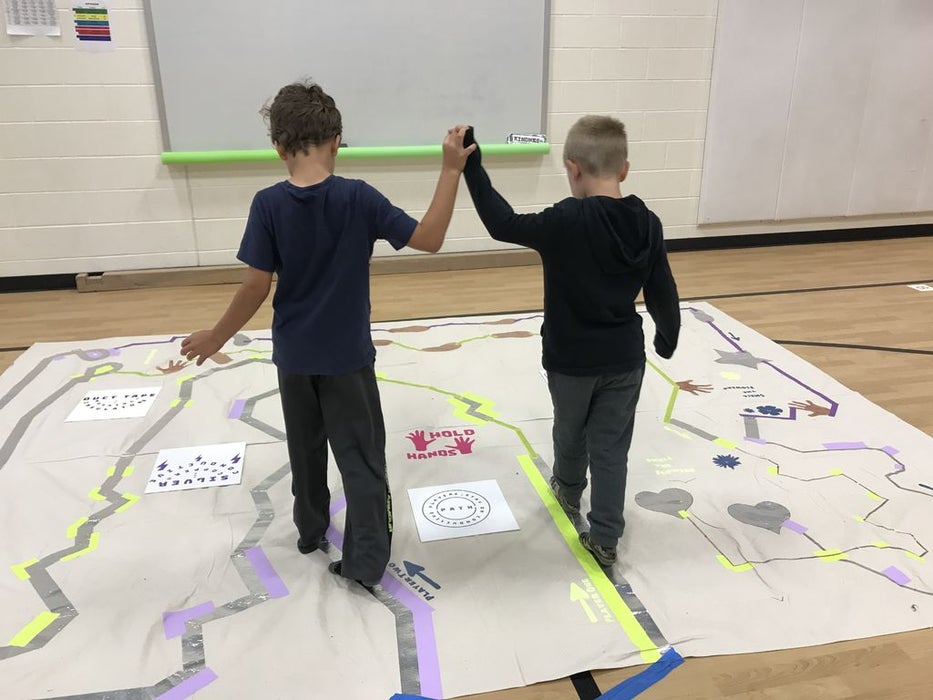

Because I use lots of maker education projects in my gifted education classes and our school has a new STEAM lab, this forced hiatus is giving me the opportunity to try out some new projects including:
My Physical Health
I work out in group fitness classes several days a week. It verges on addiction. When I don’t get to do so, I get stressed out. Plus, it provides me with needed social interactions. So when my health club decided to limit their services, I became distraught. Luckily, though, I live in Santa Fe, New Mexico, so I plan to go on lots of hikes and am fixing up my bicycle to ride – hoping that the weather permits it. I am going to do online fitness classes. Oh, and, of course, cleaning my house from top to bottom will add an other fitness element. I absolutely know my physical workouts and health will positively affect my mental health.


 Track2Training
You must be logged in to post a comment.